- Campaign Objective and the Case for Low Friction
- Budgeting Strategy: Setting the Pace for Patient Acquisition
- Conversion Action and the Conversion API (CAPI)
- Audience Exclusions and HIPAA Considerations
- Demographic Targeting: The 80/20 Rule
- The Geographic Targeting Hack: The “Pin Drop” Strategy
- Why We Avoid Interest Targeting
- Finalizing the Ad and Lead Form
- What Happens Next?
If you’re ready to implement more efficient & effective marketing strategies for your practice, book your FREE strategy session & marketing plan: https://go.medspamagicmarketing.com/schedule
In the previous installments of our 2026 Med Spa Marketing Series, we performed a deep dive into the conceptual frameworks that drive success. We covered offer structures, customer acquisition cost (CAC) benchmarks, service prioritization, and the creative blueprints for graphics and ad copy.
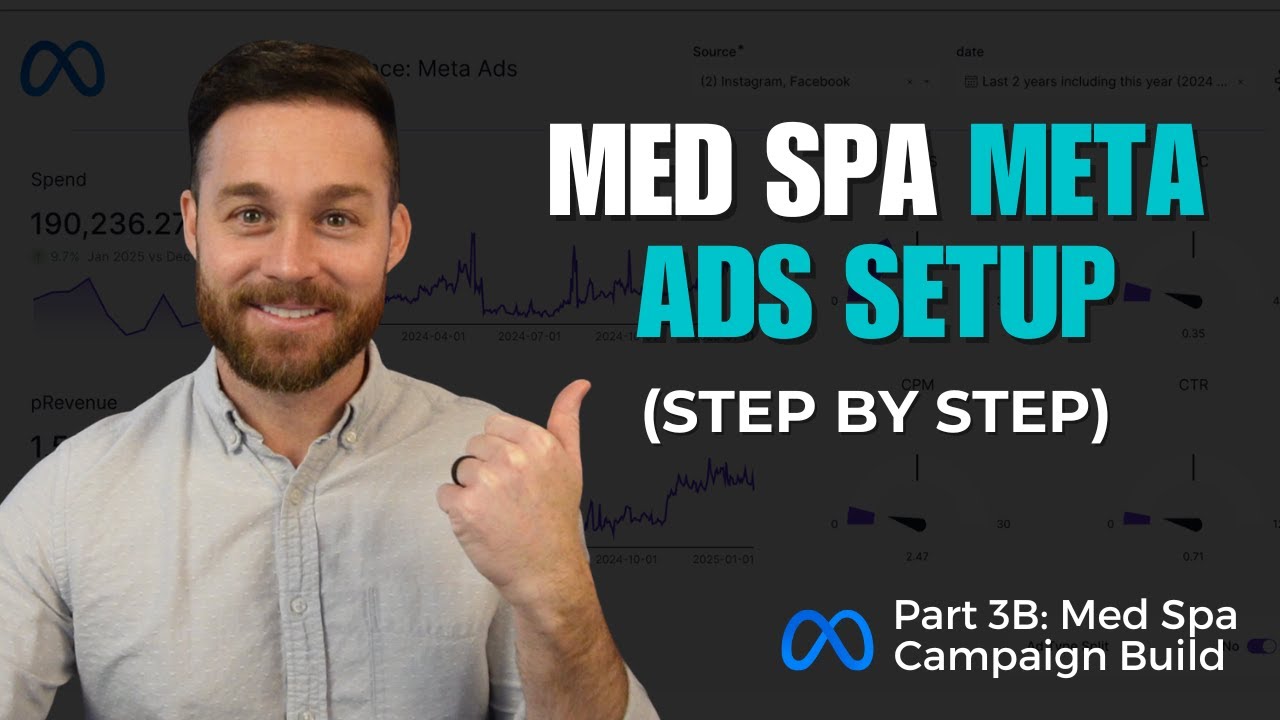
Today, we are shifting from strategy to implementation. This is “Part B”—a technical walkthrough designed to show you exactly how we construct these campaigns inside the Meta Ads dashboard. We will go into the granular details of the campaign build to ensure your delivery is optimized and your lead quality remains high.
Campaign Objective and the Case for Low Friction
When you first enter the Meta Ads dashboard to create a new campaign, the system defaults the buying type to “Auction.” From there, your first major decision is choosing a campaign objective. For our med spa protocol, we always select the Leads objective.
Our philosophy here is rooted in friction reduction. By choosing the Leads objective and utilizing Meta’s internal “Instant Forms,” we keep the user on the platform. We know that Facebook and Instagram prefer to keep users within their own ecosystem, and by not forcing a prospect to wait for an external landing page to load, we significantly increase the lead capture rate.
In our experience, while this method may generate a higher volume of leads that are, on average, slightly lower in quality than those from a complex landing page, the absolute volume of converted patients at the end of the funnel is consistently higher.
Budgeting Strategy: Setting the Pace for Patient Acquisition
Organization is the foundation of a scalable campaign. We typically name our campaigns based on their specific function—for example, “Test Med Spa Leads Campaign.”
Controlling the Spend
Inside the dashboard, you have the option to use Advantage Campaign Budget (which distributes funds automatically across ad sets). However, we generally prefer to turn off budget sharing at the campaign level. This allows us to control the budget at the Ad Set level manually. If you are building multiple campaigns or testing different offers simultaneously, controlling the budget at the ad set level gives you the precision needed to see which specific strategies are performing best.
Calculating Your Daily Budget
The more aggressive you are with your spending, the more patients you will acquire. Once you have confidence in your numbers, you should be as aggressive as your cash flow allows.
Based on our benchmarks, an injectable campaign typically sees a customer acquisition cost (CAC) between $100 and $200. This means if you set a budget of $50 per day, you can realistically expect to acquire one new client who actually books and pays for services every three days. Setting these expectations early helps you manage your marketing investment without unnecessary stress.
Conversion Action and the Conversion API (CAPI)
For the conversion action, we choose Instant Forms. As mentioned, this captures the prospect’s information without them leaving Facebook or Instagram.
There is a setting within Meta called “Maximize number of conversion leads,” which optimizes delivery based on data points you pass back into the system through the Conversion API (CAPI). This allows the system to show ads to people more likely to convert on the back end of your sales process. However, this is a more complicated technical setup that requires a significant amount of data to function correctly. For those just starting or without a dedicated technical team, we recommend sticking with the “Maximize number of leads” setting for now.
Audience Exclusions and HIPAA Considerations
One often-overlooked tactic in the audience build is the use of Exclusion Lists. This allows you to upload your existing patient list so that your “New Patient” ads are not served to people who are already doing business with you.
There are nuanced concerns regarding HIPAA when it comes to patient data. If you are a med spa that does not take insurance, you are technically not a “Covered Entity” under HIPAA regulations. We feel comfortable and confident uploading these lists to reduce wasted ad spend, but if you are personally cautious about how Meta handles your data, you can choose to skip this step. The benefit, however, is a more efficient use of your budget by focusing exclusively on new prospects.
Demographic Targeting: The 80/20 Rule
When setting up your demographics, we recommend a “floor” age rather than a broad range. While we use Advantage+ features, we often choose to further limit the audience to ensure we aren’t paying for impressions from people with no intent to buy.
- Age Floor: We typically set the floor at 30. While some younger prospects may fill out forms, the “80/20 rule” tells us that the vast majority of profitable med spa customers are 30 plus. If the system finds “click-happy” lead submitters who are too young to afford or want the services, it can skew your data and waste your budget.
- Location: Ensure you remove the default “United States” setting. You want to be hyper-local.
- Gender: In most med spas, 85% of the clientele is female. While the system can self-regulate to find people likely to respond, you may want to use “Women” as a suggestion or a hard limit depending on your specific service.
The Geographic Targeting Hack: The “Pin Drop” Strategy
One of the biggest mistakes advertisers make is relying on Meta’s default 10-mile radius around a city. This treats every direction as equal, which is rarely how human geography works.
Understanding Travel Patterns
People generally travel from where they live into a city center or from the outskirts into the town where they shop. They are much less likely to drive in the opposite direction.
Using my town, Mount Juliet, Tennessee, as an example: a 10-mile radius reaches the east side of downtown Nashville. Those residents are never going to drive 20 minutes away from the city to visit a med spa in Mount Juliet. Conversely, residents in Lebanon (further east) are very likely to drive into Mount Juliet.
The Bridge Problem
Mileage on a map does not always equate to travel time. North of Mount Juliet, we have a lake. On a map, Hendersonville looks close, but there is no bridge over that lake. A resident there faces a 45-minute drive in either direction to get to my town. I do not want my ad dollars spent on people who face a 45-minute commute for a Botox appointment.
Implementing the Pin Drop
To fix this, use the Pin Drop feature:
- Drop a pin directly on your physical office location.
- Adjust the radius to a smaller, more realistic bubble (e.g., 3–5 miles).
- Drop additional pins on specific high-value neighborhoods or neighboring towns (like Hermitage) with smaller, 2-mile bubbles.
This allowed us to piece together a targeting map that is realistically representative of where we will actually attract clients, providing an incremental but vital improvement to campaign performance.
Why We Avoid Interest Targeting
A common mistake is getting “too cute” with detailed targeting. For example, an owner might decide to only target people interested in “Yoga.”
When we tested this, adding the “Yoga” interest shrunk the audience size from 117,000 people down to 46,000. We have no way of knowing how many of those 70,000 excluded people would have visited the med spa. Furthermore, as you shrink the audience, your cost per impression (CPM) generally goes up. For the vast majority of med spas, broad targeting within your geographic area is more cost-effective.
Finalizing the Ad and Lead Form
Once your targeting is set, you move to the ad level. You will upload your creative (following the static image or reel frameworks from our previous guides) and your copy.
The Lead Form Blueprint
The lead form is the final hurdle. We recommend keeping it minimal to avoid driving up acquisition costs. Your language should be clear: “Please fill out the following information to claim this special offer. Then, someone from our team will reach out to you.”
We recommend asking only for:
- First Name
- Last Name
- Email (Optional)
- Phone Number (Required)
The phone number is your most important asset because text messaging is the primary source of conversions.
Legal Compliance
You must include a clear disclaimer for SMS marketing on your form. We recommend: “Contact information will be used for marketing messages and to share new promos. You can reply STOP at any time to opt out.”
What Happens Next?
Building the campaign is only half the battle. Once you create this lead form, you have to manage what comes next. In the next installment of this series, we will address the “bad leads” problem and show you how to automate your workflow so your team isn’t overwhelmed by a manual pile of data.
If you want to stop the guesswork and start using a strategic framework that drives significant growth, schedule a complimentary strategy session at medspamagicmarketing.com. We provide true consulting and strategic direction to help you scale your practice predictably.